The complete
image SEO toolkit
Every feature Pixly offers, with live demos, real numbers, and no fluff.
AI-powered
Alt text that actually ranks
Our AI reads the visual content of each image and writes a descriptive, natural-language alt text sentence. Not a template. Real visual understanding that ranks in Google Image Search.
- Reads the actual content of the photo
- Writes in natural, keyword-rich language
- Covers product type, color, angle, context
- You review and edit before approving
|
Compression
Up to 87% smaller files
Every image is converted to WebP, Google’s modern format that delivers the same visual quality at a fraction of the size. Faster stores rank higher and convert better.
- Average 87% reduction vs original PNG
- Adjustable quality slider (1–95)
- Lossless transparency support for product cutouts
- Shopify serves WebP natively to all browsers
Same visual quality · WebP is −87% vs PNG, −87% vs JPEG
Smart cropping
Perfect 1:1 for Shopify
Shopify product grids look best with square images. Pixly crops every image to 1:1 with a smart focus point you control, so the subject is never accidentally cut out.
- Outputs 2000×2000 px by default
- Click to set any crop focus point
- Adjust offset X/Y per image
- Rotation support built in
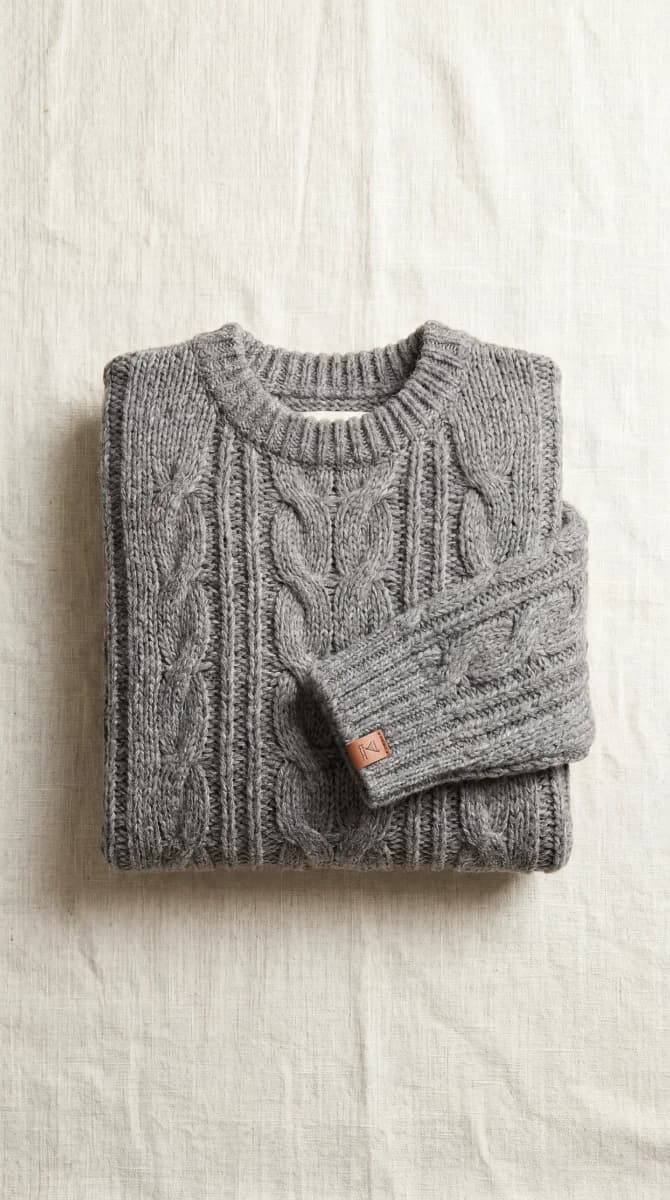
AI Upscaling · +4 tokens
Sharp on every display
Low-resolution product photos look unprofessional and hurt conversion. Pixly detects and upscales them to 2048px using AI, delivering sharp, detailed results on every screen.
- Automatically detects low-res images
- Upscales to 2048×2048 px
- Drag the slider to compare before/after
- Retains fine detail, textures and edges

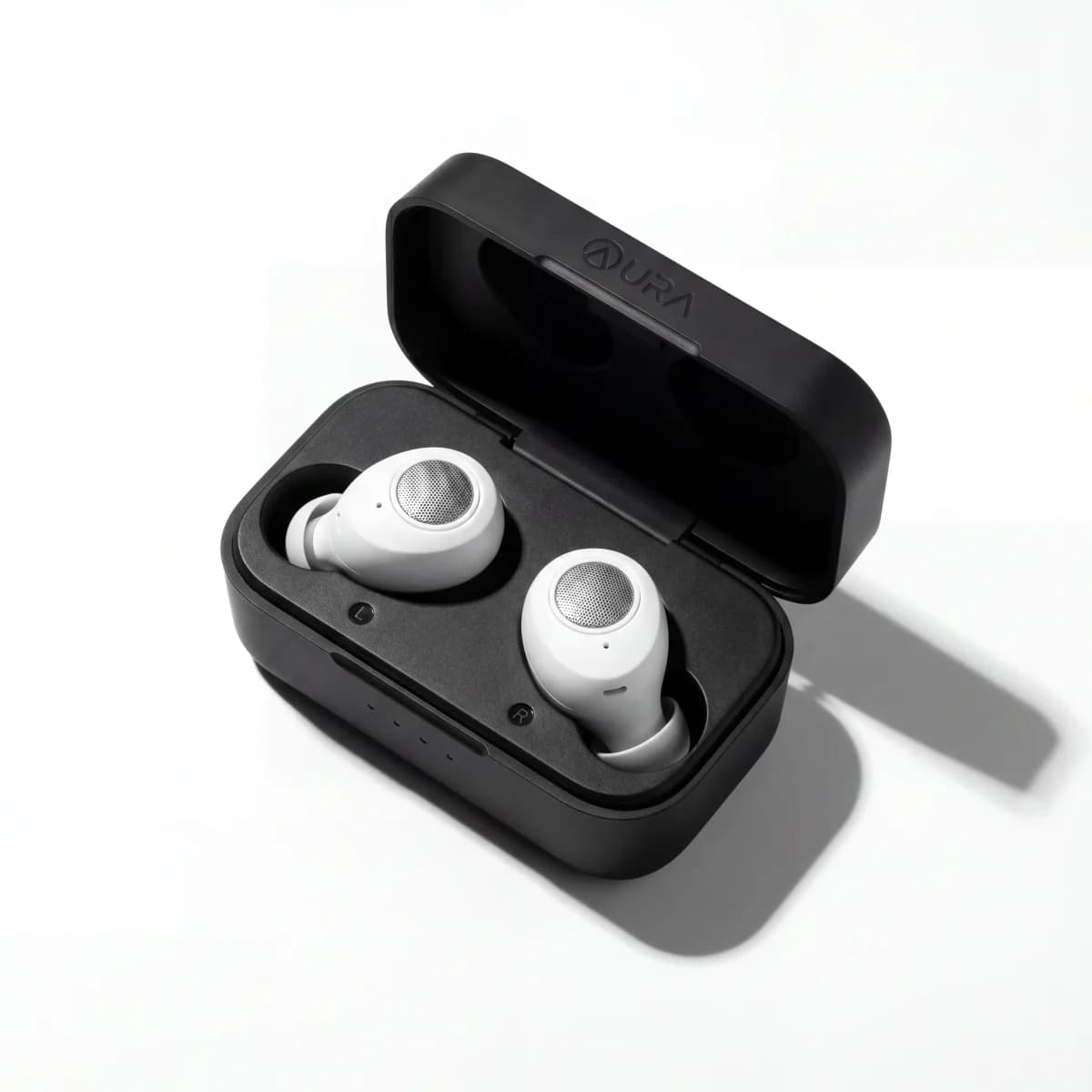
AI Background Removal · +3 tokens
Pure white or transparent backgrounds
One toggle removes the background from any product photo using AI. Choose between a clean white canvas or a transparent PNG-style output. Perfect for Shopify product grids and ad creatives.
- AI-powered. Works on any product type.
- White background for clean grid layouts
- Transparent for creative flexibility
- WebP output keeps file sizes tiny after processing.
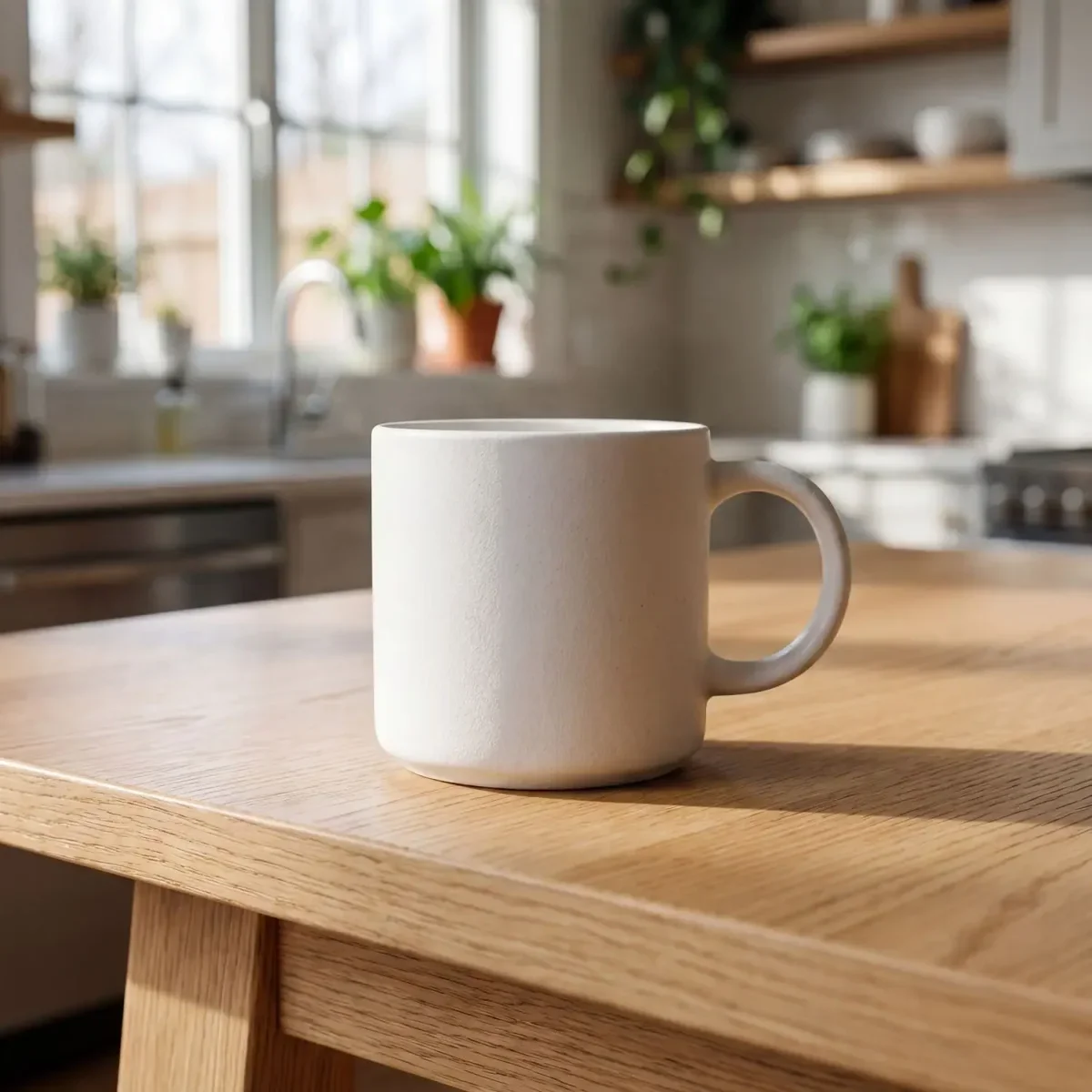
Native integration
Push to Shopify in one click
Your optimised images go straight to your Shopify product listing automatically. No downloading files, no uploading them manually. Pixly handles it all.
- Replaces the original image on your product
- Alt text is updated at the same time
- Works with products that have multiple variants
- Syncs in seconds, no extra steps needed
Pixly Storage
optimized.webp
Admin API
productCreateMedia
Shopify CDN
cdn.shopify.com
Product listing
alt text applied
On the go
Run your store from anywhere
Pixly’s dashboard is built for mobile. Open it in your browser on iPhone or Android, review AI alt text, and push optimized product images to Shopify without sitting at a desk.
- Works in your mobile browser. No App Store download
- Review and approve images with touch-friendly controls
- Same workspace, synced history, and Auto-Pilot on phone or laptop
- Large bulk uploads are still fastest on desktop
Alt text ready
Mobile browser
Store audit
See your entire catalog at a glance
Run a full audit of every product in your Shopify store. Pixly scores each product’s image SEO health and shows exactly what needs fixing.
- Scans alt text quality (not just presence)
- Checks filename descriptiveness
- Identifies low-res and non-WebP images
- One-click to fix any product
0%
SEO health
Run a store audit to see your real score
Auto-Pilot mode
New products optimized automatically
Enable Auto-Pilot once and every new product added to Shopify is analyzed and optimized by Pixly. Choose Semi-Auto to review before sync, or Full Auto to let Pixly handle everything hands-free.
- Semi-Auto: AI analyzes and lands images in your review queue for approval
- Full Auto: AI analyzes, processes, and syncs to Shopify without any manual steps
- Per-store settings: background removal, upscaling, and daily cap
- Email summary after every run with tokens used and images flagged for review
New product added to Shopify
09:00
Pixly webhook triggered
09:00
AI analyzes images
09:01
WebP + 1:1 crop processed
09:02
Optimised images synced to Shopify
09:02
Done. You did nothing.
09:02
Use the full toolkit on us
69 tokens to analyze, process, and sync. Upgrade only when you're sold.